ER diagrams that know your SQL.
Paste SQL, describe it to AI, or draw from scratch.
600,000+ developers — including teams at



How it works
Three ways to build an ERD
Most ERD tools give you one way in. We give you three — pick whichever matches what you already have.
Paste SQL — see the diagram
Have existing CREATE TABLE statements? Paste them in. DrawSQL auto-detects MySQL, PostgreSQL, or SQL Server and renders your ERD in seconds.
Paste your SQLAsk AI — get a schema
Describe your application in plain English. DrawSQL's AI designs the schema — tables, columns, relationships, constraints. Review and refine from there.
Describe your appDesign from scratch
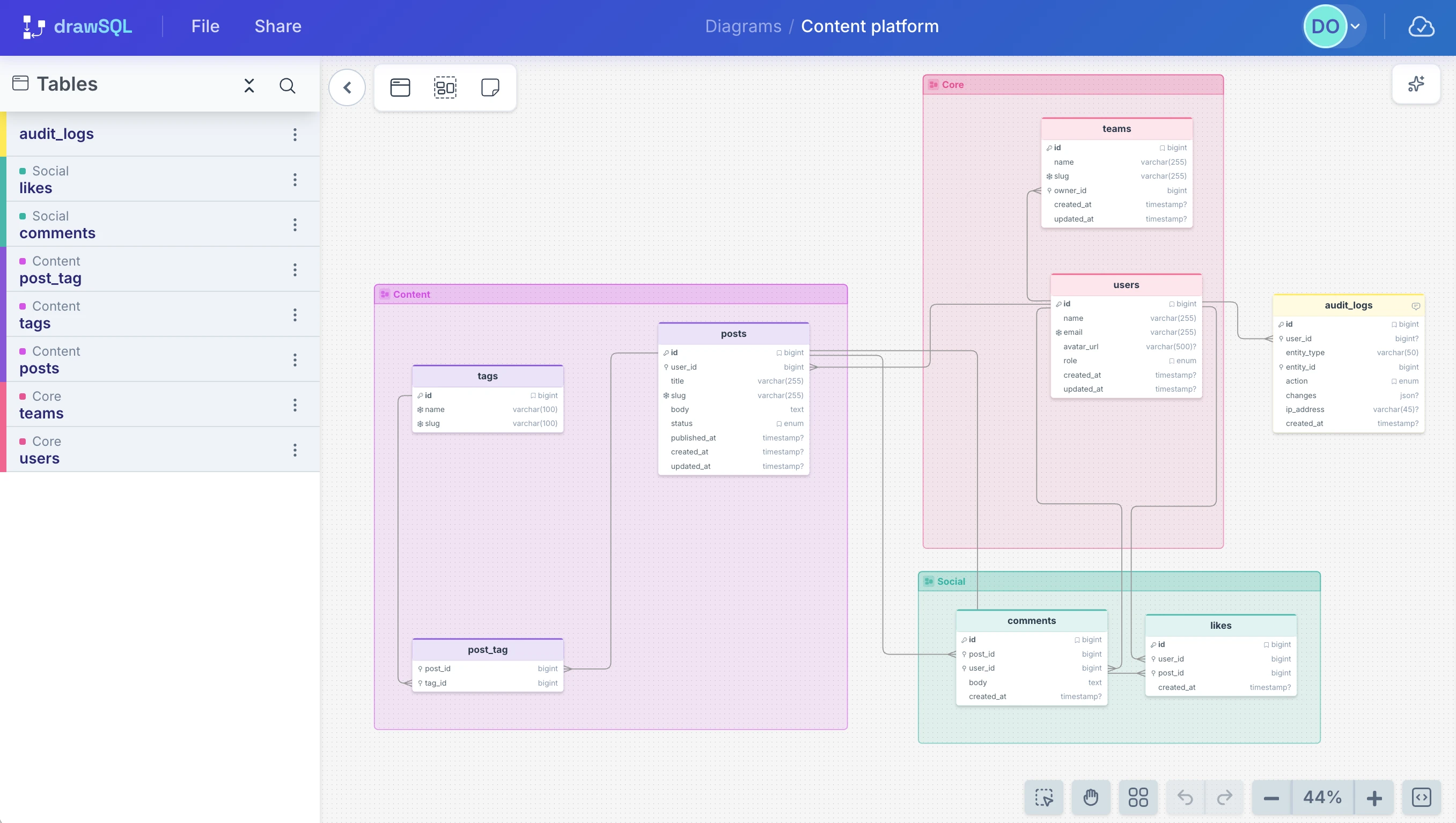
Start with a blank canvas. Add tables, define columns, draw foreign keys. Drag to arrange, group by domain, annotate with sticky notes.
Open the editorTemplates
See what real schemas look like
200+ schemas from real apps — CMS, e-commerce, SaaS, business tools. Borrow one to start, or just browse for ideas.

WordPress
The world's most-used MySQL-backed CMS

Django
Python web framework

Koel
Self-hosted personal music streaming server

Monica CRM
Self-hosted personal relationship manager

Sylius
eCommerce Platform

Akaunting
Accounting and invoicing software

BookStack
Simple & Free Wiki Software

Flarum
Open-source discussion forum platform

Wagtail
Open-source Django CMS with a page tree

SaaS Pegasus
Django-powered SaaS template

Snipe-IT
IT asset/license management system

Laravel Spark (Stripe)
SaaS subscription billing boilerplate for Laravel
FAQ
Frequently asked questions
Yes. AI can generate migrations quickly, but it does not give your team a shared mental model of the database.
The migration changes the schema. The ERD explains it: which tables belong together, which relationships are foundational, and which parts of the data model are safe to change.
That matters when you are onboarding a developer, reviewing an AI-generated change, or planning a feature across multiple tables.
Still reading?
Draw it. Then decide if it’s worth saving.
Up to 20 tables on the free tier. Save to an account when it becomes useful.